
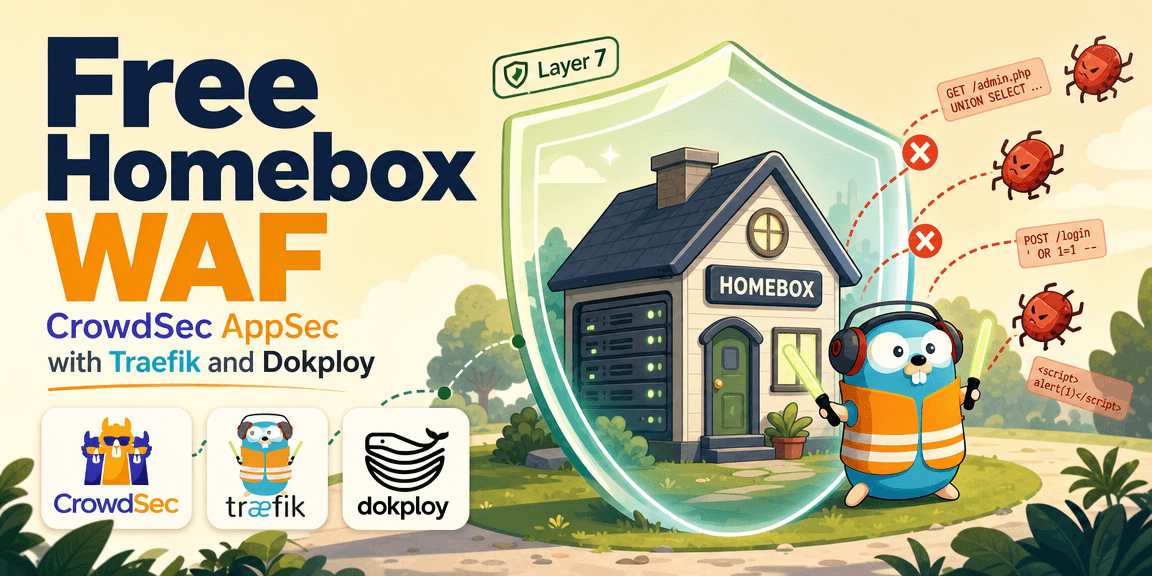
I maintain a "Homebox", which in my case is a cloud server where I host a variety of personal applications. Because some of these applications are exposed to the public internet, and because I often use this server as a quick-deployment vessel for new projects, security is paramount.
To protect this setup, I recently added a Web Application Firewall (WAF) using CrowdSec. CrowdSec is an open-source, collaborative security engine. A WAF is essential because it provides "virtual patching": stopping malicious payloads, stopping automated scanners, and shielding the applications from known CVEs even if the underlying code hasn't been updated yet.
My Homebox is managed using Dokploy, a PaaS tool that uses Traefik as its underlying reverse proxy. In this tutorial, I'll walk you through exactly how I integrated CrowdSec's AppSec capabilities directly into Traefik using a plugin, creating a robust, free WAF that protects all my deployments.
(Note: While this tutorial uses Dokploy for managing the configurations, these exact concepts and Docker Compose files can be used to protect any standard Traefik environment!)
How CrowdSec Intelligence Works
A common misconception is that CrowdSec sends your traffic logs to the cloud to be analyzed. This is entirely false.
- Local First: CrowdSec builds its intelligence locally. The engine runs on your server, detects attacks locally, and bans locally. It works even with zero internet connection.
- Privacy-Preserving Community (Opt-in): Sharing intelligence with the CrowdSec Community is strictly optional. If you do opt-in via the CrowdSec Console, it only shares anonymized signals (like "IP X attempted a known exploit"), never raw logs, request payloads, or sensitive data. You benefit from community blocklists without compromising your data privacy.
Standard CrowdSec (Layer 4) vs. AppSec (Layer 7)
Before diving into the configuration, it is important to understand the difference between standard CrowdSec behavior and the newer AppSec feature. They operate at completely different layers of the OSI model:
- Standard CrowdSec (Layer 4): Acts at the network level. It analyzes logs (like SSH failures or HTTP 404 floods) and blocks bad IP addresses entirely by talking to a firewall (like iptables). If an IP is banned, they can't even open a TCP connection to your server.
- CrowdSec AppSec (Layer 7): Acts as a true WAF at the application level. Instead of just looking at IPs, it actively inspects the actual HTTP payloads, headers, and query parameters (like looking for specific malicious
multipart/form-data) to catch zero-days and specific application-level CVE exploits in real-time.
Here is a simple visualization of how the architecture differs:
┌────────────────────────────────────────────────────────┐
│ STANDARD CROWDSEC (Layer 4 - Network IP Blocking)      │
└────────────────────────────────────────────────────────┘
  Attacker IP ──> [ Firewall / iptables ] ──X (Blocked instantly)
                          ▲
                          │ (Updates ban list)
                    [ CrowdSec Engine ] <── (Reads background logs)
-
-
┌────────────────────────────────────────────────────────┐
│ CROWDSEC APPSEC (Layer 7 - Payload Inspection WAF)     │
└────────────────────────────────────────────────────────┘
  Attacker HTTP Request ──> [ Traefik + Bouncer Plugin ]
                                  │   ▲
                  (Sends payload) │   │ (Returns Allow/Block)
                                  ▼   │
                        [ CrowdSec AppSec Engine ]
                           (Inspects HTTP body)
Traefik Plugins & The CrowdSec Bouncer
Traefik is a modern reverse proxy that routes traffic to my Docker containers. One of its best features is Plugins, which allow you to extend Traefik's core functionality without needing to recompile the binary.
For this setup, we're using the CrowdSec Traefik Bouncer plugin. It acts as a bridge between Traefik and the CrowdSec AppSec engine. It intercepts traffic at the edge and asks CrowdSec if a request payload is safe or malicious before allowing it to reach the application.
iWhat is a CrowdSec bouncer?+
A bouncer is CrowdSec's enforcement component. The CrowdSec engine detects threats and creates decisions; the bouncer applies those decisions where traffic actually flows. In this case, the Traefik plugin is the bouncer because it sits inside Traefik and can block or allow HTTP requests before they reach my apps.
Step-by-Step Implementation Guide
Here is exactly how I configured this in my Dokploy/Traefik environment.
1. Deploying the CrowdSec Container
First, I deployed the CrowdSec engine. I used the official Docker image and used the COLLECTIONS environment variable to automatically install the AppSec rules on startup.
services:
  crowdsec:
    image: crowdsecurity/crowdsec:latest
    environment:
      GID: "${GID-1000}"
      BOUNCER_KEY_TRAEFIK: "${BOUNCER_KEY_TRAEFIK}"
      COLLECTIONS: "crowdsecurity/linux crowdsecurity/traefik crowdsecurity/http-cve crowdsecurity/appsec-virtual-patching crowdsecurity/appsec-generic-rules"
    volumes:
      - ../files/acquis.yaml:/etc/crowdsec/acquis.yaml
      - crowdsec-db:/var/lib/crowdsec/data/
      - crowdsec-config:/etc/crowdsec/
    security_opt:
      - no-new-privileges:true
    labels:
      - traefik.enable=false
    restart: always
    networks:
      - dokploy-network
2. The Critical LAPI Key
Notice the BOUNCER_KEY_TRAEFIK variable above. This is the LAPI Key (Local API Key), which securely authenticates the Traefik plugin with your CrowdSec engine. Without it, Traefik cannot communicate with CrowdSec.
When configured via this environment variable, the CrowdSec container doesn't enforce a strict key format. Whatever string you set becomes the valid key. You can simply generate a strong, random 32-character string, assign it to BOUNCER_KEY_TRAEFIK in your Docker Compose .env file, and then feed that exact same string into your Traefik middleware configuration later.
3. Configuring Acquisition (acquis.yaml)
Installing the AppSec collections is not enough; you must explicitly tell CrowdSec to start listening for AppSec traffic. I mounted this acquis.yaml file into the container:
---
source: appsec
listen_addr: 0.0.0.0:7422
path: /
appsec_configs:
  - crowdsecurity/appsec-default
labels:
type: appseciWhat is happening in this file?+
If you're new to CrowdSec, you might wonder what this acquis.yaml (Acquisition) file actually does. By default, CrowdSec looks for threats by reading log files (like your Nginx or SSH logs) after they happen.
But a WAF needs to catch things live, before they hit your application. This file tells CrowdSec to stop looking at static files and instead spin up an active HTTP listener:
source: appsec: Tells the engine we are expecting live incoming HTTP traffic.listen_addr: 0.0.0.0:7422: Opens port7422. This is exactly where our Traefik plugin will send every HTTP request for inspection.appsec_configs: Loads the specific AppSec rules we told the container to install earlier.
Without this file, the listener won't start, Traefik will have nowhere to send the requests, and the WAF rules will never execute!
4. The Traefik Middleware (middlewares.yaml)
Next, I configured the Traefik middleware using Dokploy's built-in file system editor. This tells Traefik to use the Bouncer plugin and forward requests to the CrowdSec AppSec engine.
http:
  middlewares:
    redirect-to-https:
      redirectScheme:
        scheme: https
        permanent: true
    crowdsec:
      plugin:
        bouncer:
          enabled: true
          logLevel: DEBUG
          crowdsecMode: appsec
          crowdsecLapiKey: keystring # Replace with your LAPI key
          crowdsecLapiScheme: http
          crowdsecLapiHost: crowdsec:8080
          crowdsecAppsecEnabled: true
          crowdsecAppsecHost: crowdsec:7422
          crowdsecAppsecFailureBlock: true
          crowdsecAppsecUnreachableBlock: true
Fail-Closed Protection
Pay special attention to crowdsecAppsecFailureBlock: true and crowdsecAppsecUnreachableBlock: true. These are critical for security. They ensure a "fail-closed" architecture. If the CrowdSec container crashes, or if the AppSec engine returns a 500 error, Traefik will block the incoming request entirely rather than letting it bypass the WAF and hit your application.
5. Global Enforcement
Finally, to ensure every single request hitting my server is inspected, I hooked the crowdsec middleware directly to Traefik's main entrypoints (web and websecure):
entryPoints:
  web:
    address: :80
    http:
      middlewares:
        - crowdsec@file
  websecure:
    address: :443
    http3:
      advertisedPort: 443
    http:
      tls:
        certResolver: letsencrypt
      middlewares:
        - crowdsec@file
Keeping the WAF Updated (Automation)
Installing a WAF is only half the battle. Vulnerabilities are discovered daily, so your rules need to be updated constantly to catch new CVEs.
To update CrowdSec, you need two commands:
cscli hub update(Downloads the latest index of available rules)cscli hub upgrade(Applies updates to your installed collections)
I automated this process using Dokploy Schedules, configuring it to run once a day. Daily updates are the sweet spot: they keep you protected from newly published CVEs without causing excessive, overly-granular resource usage.
How I Handle the Required Restart
One important caveat: after updating the rules, the CrowdSec engine requires a restart for new AppSec rules to take effect.
In my setup, my routine Dokploy container backups run shortly after the update schedule. Because the backup process stops the container to back up the configuration and then starts it again, that naturally becomes the restart step that applies the updated rules.
Real-World Testing: Blocking CVE-2025-55182
To verify the setup, I decided to test it against a very real, very dangerous exploit: CVE-2025-55182 (a Next.js Prototype Pollution vulnerability that leads to Remote Code Execution).
I used an open-source exploit tool (rix4uni/CVE-2025-55182) and fired it directly at a domain hosted on my protected Homebox.
1. The Exploit Attempt Failed
When running the command-line tool, every single payload attempt failed to execute against the server. The tool could not bypass the edge.
2. The CrowdSec Logs
Looking into the CrowdSec container logs, I could see exactly what happened. CrowdSec actively denied the exploit attempt, recognizing the malicious payload in real-time.
3. Log Analysis
To confirm, I ran the raw logs through an AI summary, which verified that CrowdSec's AppSec rules successfully caught and dropped the Next.js RCE payload before it ever touched my application container.
Conclusion
By combining Traefik, Dokploy, and CrowdSec AppSec, I was able to deploy a capable, free Web Application Firewall on my cloud Homebox. My personal apps and quick deployments are now shielded from active, automated exploits the moment they hit the edge.
If you self-host or maintain a personal server, I recommend adopting a similar edge-level WAF architecture.
Read more
How Mobile Apps Work
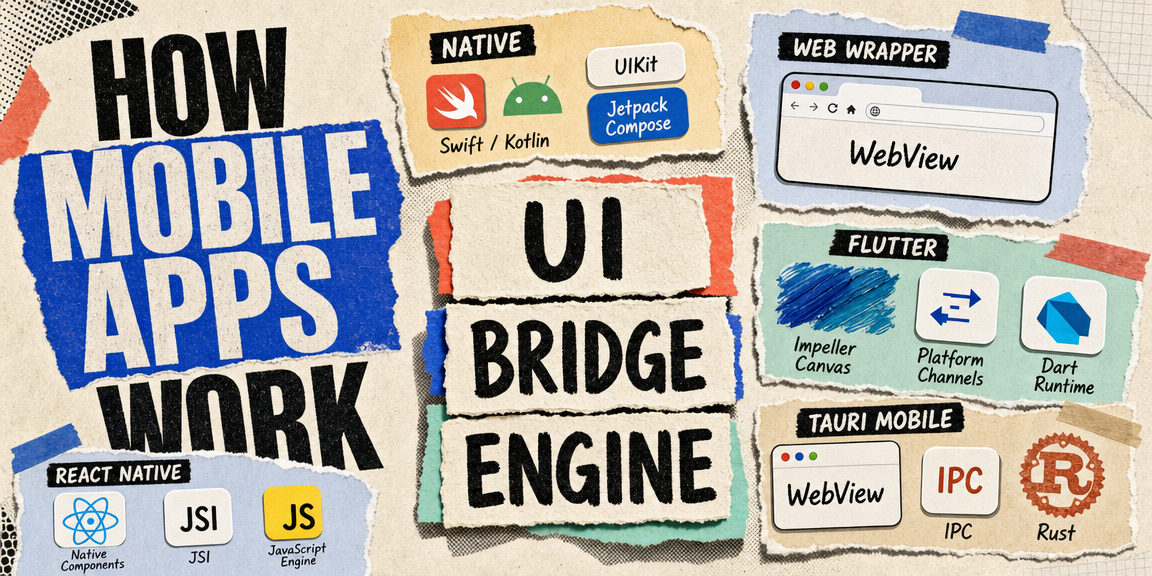
The three ways to build a mobile app, what each one actually runs under the hood, and the shared architecture pattern behind React Native, Flutter, and Tauri mobile.
![Meet Tauri [2.0]](/thumbnails/tauri-guide.png)
Meet Tauri [2.0]
How Tauri builds desktop apps from web technologies, where it puts the trust boundary compared to Electron, and the mindset shift from a website in a window to a native application.
Demystifying OpenSpec
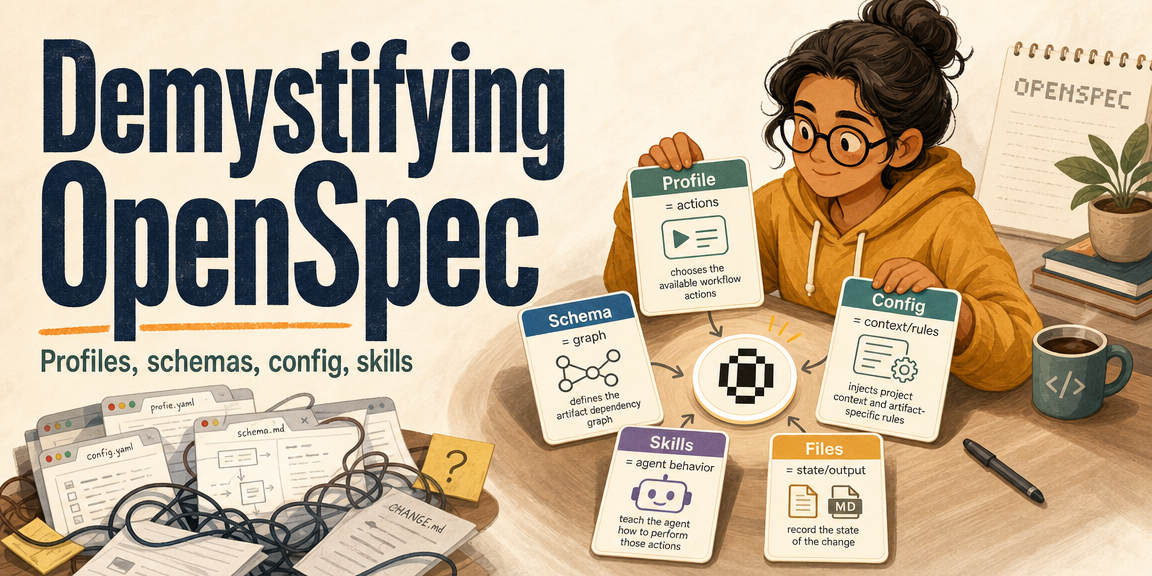
OpenSpec profiles, schemas, artifacts, config, skills, and delta specs, explained simply.