
I went into OpenSpec expecting a few commands and some Markdown. At least that's what it was like when i first tried it in it's early days.
Then I opened the docs and found profiles, schemas, artifacts, config files, archive flows, OPSX, and delta specs. I spent more time than I want to admit going back and forth between tabs, trying to hold it all in my head. What exactly is an artifact? Why are there profiles and schemas? If both affect the workflow, why do both need to exist?
This is the explanation I wish I had instead of those tabs.
What Is OpenSpec?
OpenSpec is a spec-driven development framework. It lives in your repository alongside your code, and it works with most coding agents: Claude Code, Cursor, Codex, GitHub Copilot, OpenCode, and others. You install it with npm install -g @fission-ai/openspec@latest, and it adds planning commands to your agent.
The idea is simple. Before you write code, you describe the change you want to make. OpenSpec generates a proposal, a design document, a task breakdown, and a spec delta showing how the requirements will change. You review that plan, refine it, then implement. When the change is done, the spec delta gets applied to your canonical specs, so the requirements in your repo stay current.
That last part is what makes it different from your agent's built-in plan mode. Plan mode is gone when the chat session ends. OpenSpec specs stay in your repository as living documentation, checked into git, reviewable in PRs.
The project is open source at openspec.dev.
The Short Version
OpenSpec got much easier for me once I reduced it to four questions:
| Concept | The question it answers |
|---|---|
| Profile | Which workflow actions are available to my agent? |
| Schema | Which planning artifacts exist, and what depends on what? |
| Config | What project context and extra rules should shape those artifacts? |
| Skills | How does my AI tool perform each workflow action? |
Artifacts are the outputs produced by that system: proposals, specs, designs, tasks, or whatever else your schema defines.
Why the Terminology Feels Layered
Some of the confusion makes more sense when you look at how OpenSpec evolved.
The early workflow was intentionally small:
propose -> apply -> archiveThe proposal step created the planning documents, the agent implemented the change, and archive folded the result back into the project's specs.
Then OPSX made the system more flexible. Planning became a set of discrete artifacts connected by dependencies. You could create them incrementally, revise them as you learned, and customize the graph instead of accepting one hardcoded process.
That flexibility introduced more actions:
new -> continue or ff -> apply -> verify -> archiveOpenSpec 1.2 then introduced profiles. The point was not to add another planning abstraction. Profiles control which workflow skills and commands get installed, so people who want the short path do not need every expanded command in their agent's context.
The current core profile gives you the quick path:
explore -> propose -> apply -> sync -> archiveThe expanded workflow exposes actions such as new, continue, ff, and verify when you want finer control.
This history matters. Profiles and schemas can look like two generations of the same idea. They are not, and that confusion is where I wasted the most time.
Profiles vs Schemas
This is where I got stuck for the longest time. I assumed profiles and schemas were competing ways to define a workflow.
They are orthogonal.
A profile controls the actions available to you. A schema controls the planning structure those actions operate on.
I re-read that sentence in the docs three times before it landed, so I am going to spend a bit on it.
Profiles Choose the Controls
A profile does not define proposal.md, design.md, or tasks.md. It decides which workflow actions OpenSpec installs for your AI tool.
With the core profile, /opsx:propose gives you the simple experience: describe the change and generate the planning artifacts in one pass.
With an expanded selection, you can be more deliberate:
/opsx:newcreates the change scaffold./opsx:continuecreates the next available artifact./opsx:ffcreates all planning artifacts that can be generated./opsx:verifycompares the implementation with the artifacts before archive.
So my original shorthand was close but not quite right. The profile does not say "generate everything" or "generate one thing." The profile makes those actions available; the command you pick decides what happens next.
Schemas Define the Planning Graph
Schemas answer a different question: what should this change contain?
The default spec-driven schema contains artifacts such as proposal, specs, design, and tasks. It also describes their dependencies. A simplified view looks like this:
             proposal
             /      \
          specs    design
             \      /
               tasks
That graph is why /opsx:continue can tell which artifact is ready and which one is still blocked. OpenSpec checks what exists on disk and follows the schema's dependency rules.
A custom schema could add a research or security review artifact:
research -> proposal -> specs -> security-review -> tasksThe profile does not need to change. The same continue or ff action can traverse a different schema.
That was when profiles and schemas finally separated in my head: the profile gives you the controls; the schema gives those controls something to operate on.
What OpenSpec Means by "Artifact"
The word artifact made the system sound more abstract than it is.
An artifact is an output defined by the schema. Most are Markdown files or a group of Markdown files:
proposal.md
design.md
tasks.md
specs/<capability>/spec.md
There is no special artifact object running in the background. OpenSpec mostly determines state from the filesystem: if the required output exists, that artifact is done and its dependants may become available.
The term still matters because a schema can define more than one file shape. The specs artifact, for example, may generate a directory of delta specs rather than one fixed file. But as a user, the useful translation is:
Artifact = a planning output produced during a change.
Proposal, Specs, Design, and Tasks in Familiar Terms
I found these much easier to understand through ordinary project language:
| OpenSpec artifact | Familiar equivalent | Main question |
|---|---|---|
| Proposal | Business case | Why are we doing this, and what is in scope? |
| Specs | Requirements | What must the system do? |
| Design | Technical solution | How will we build it? |
| Tasks | Implementation checklist | What work needs to be completed? |
Once I stopped treating these as OpenSpec-specific inventions, the workflow felt familiar. They are just the documents a decent team would produce anyway, except here the tooling knows about them.
Main Specs vs Delta Specs
There is a distinction I missed for a while: OpenSpec deals with two kinds of specification.
The specs under openspec/specs/ describe the system as it behaves now. They are the canonical source of truth, organized by capability.
The specs inside a change describe only what that change adds, modifies, or removes. Those are delta specs.
openspec/specs/                 current system
openspec/changes/add-2fa/specs/ proposed difference
This is why the change can be reviewed without rewriting the entire specification. Reviewers see the difference, not a second copy of everything.
When the change is synced or archived, those deltas are applied to the canonical specs. Added requirements are appended, modified requirements replace their previous versions, and removed requirements are deleted.
That is what OpenSpec means when it talks about preserving specifications as living documentation.
What config.yaml Actually Does
I expected openspec/config.yaml to define the workflow. It does not.
It configures the project around the workflow:
schema: spec-driven

context: |
  Stack: TypeScript, React, PostgreSQL
  Public APIs must remain backwards compatible

rules:
  proposal:
    - Include a rollback plan
  tasks:
    - Include tests for every requirement
The file has three main jobs:
- Select the default schema.
- Inject project context into every artifact's instructions.
- Inject extra rules into specific artifacts by ID.
It does not add new artifacts or change their dependencies. That belongs in a schema.
This distinction gives a useful rule of thumb:
- If you want to change what files exist, change the schema.
- If you want to change what the generated files should consider, change the config.
Schemas vs Skills
Here is where I went wrong next. I thought schemas were also where all agent behaviour should live.
Schemas can contain templates and instructions for generating their artifacts, but they do not replace skills.
A schema describes the planning model: artifact IDs, output paths, templates, and dependencies. The generated OpenSpec skills teach the AI tool how to perform actions such as propose, continue, apply, sync, and archive.
So if I want a new security-review.md before tasks, that is a schema change.
If I want my coding agent to follow TDD while implementing, that belongs in an implementation skill or project instruction. If I merely want every generated task list to mention tests, a tasks rule in config.yaml may be enough.
Those are related concerns, but they sit at different layers, and mixing them up was the source of most of my confusion.
Does Archive Prevent Stale Documentation?
This was the last thing I could not shake.
Archive does two useful things: it moves the completed change into history, and it ensures the delta specs can be synced into the canonical specs. This avoids leaving several competing versions of the requirements scattered across active change folders.
What archive does not do is prove that the code matches the specification.
The expanded /opsx:verify action checks completeness, correctness, and coherence between the implementation and the planning artifacts. Even then, the process still depends on review and engineering discipline. No archive command can make an inaccurate spec true.
So OpenSpec reduces one kind of documentation drift: abandoned or competing requirement documents. It does not close the gap between written intent and actual software on its own. That part is still on you.
The Mental Model That Finally Clicked
Here is the version I now keep in my head:
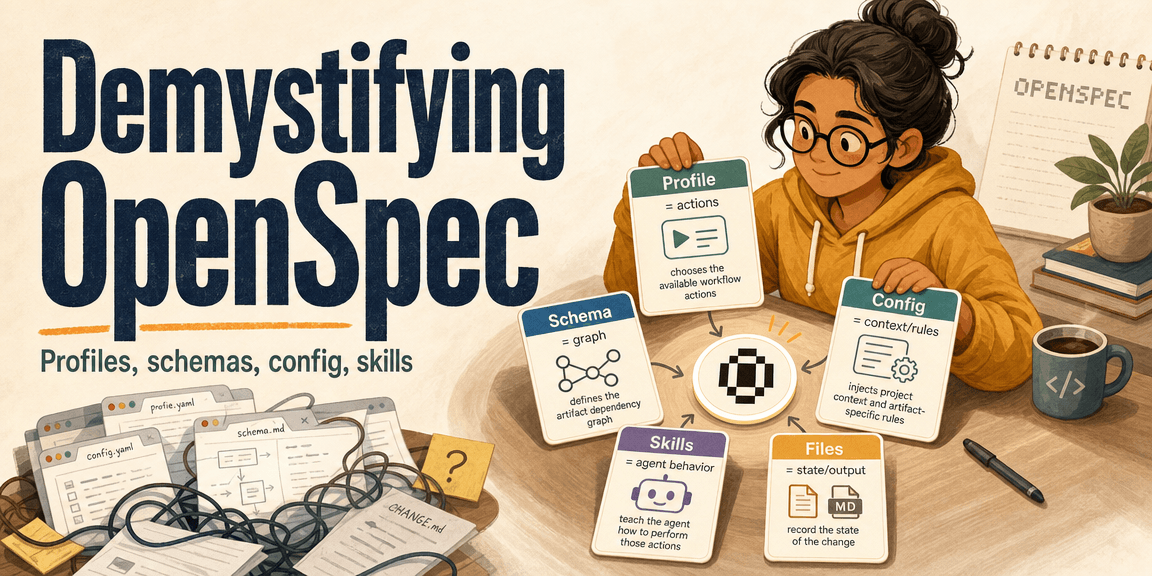
Profile -> chooses the available workflow actions
Schema  -> defines the artifact dependency graph
Config  -> injects project context and artifact-specific rules
Skills  -> teach the agent how to perform those actions
Files   -> record the state of the change
Or, as one sentence:
OpenSpec installs a set of agent actions, runs them over a schema-defined graph, shapes their output with project config, and records progress as files in your repository.
Once I saw it that way, terms like profile, schema, and artifact stopped competing with one another. Each one had a clear boundary.
OpenSpec's hardest part is not the number of commands. It is that familiar words carry very specific meanings inside the system, and the docs do not always make those boundaries obvious. If you are stuck on the terminology, you are not alone — it took me a while, and most of this post is the path I took to get here.
Further Reading
Read more
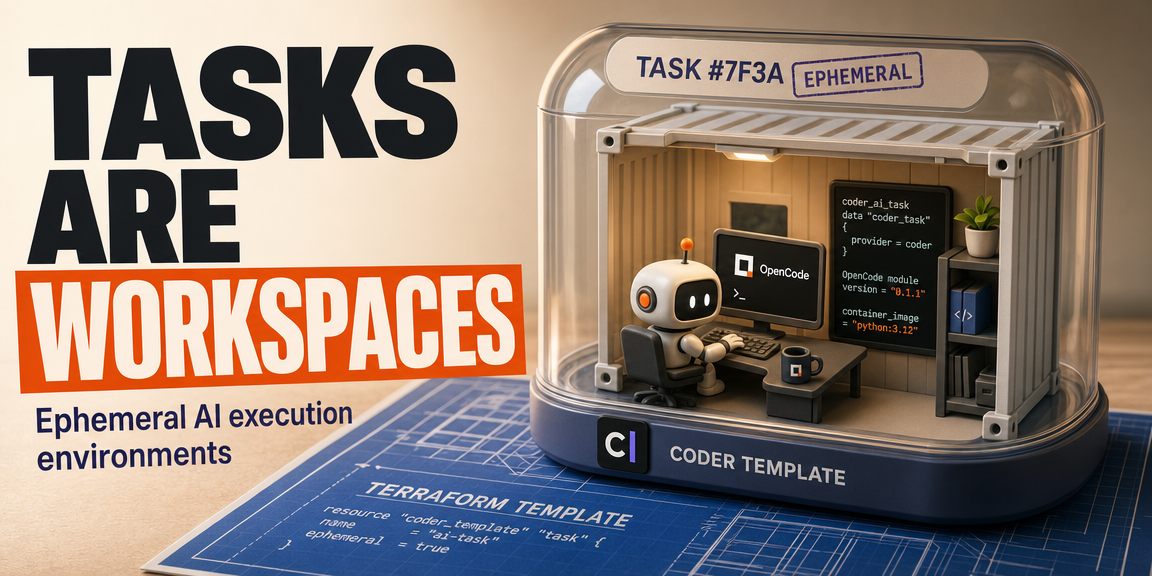
Coder Tasks, Workspaces, and OpenCode
Coder workspaces, templates, and provisioners, and how tasks turn them into ephemeral execution environments for AI coding agents.
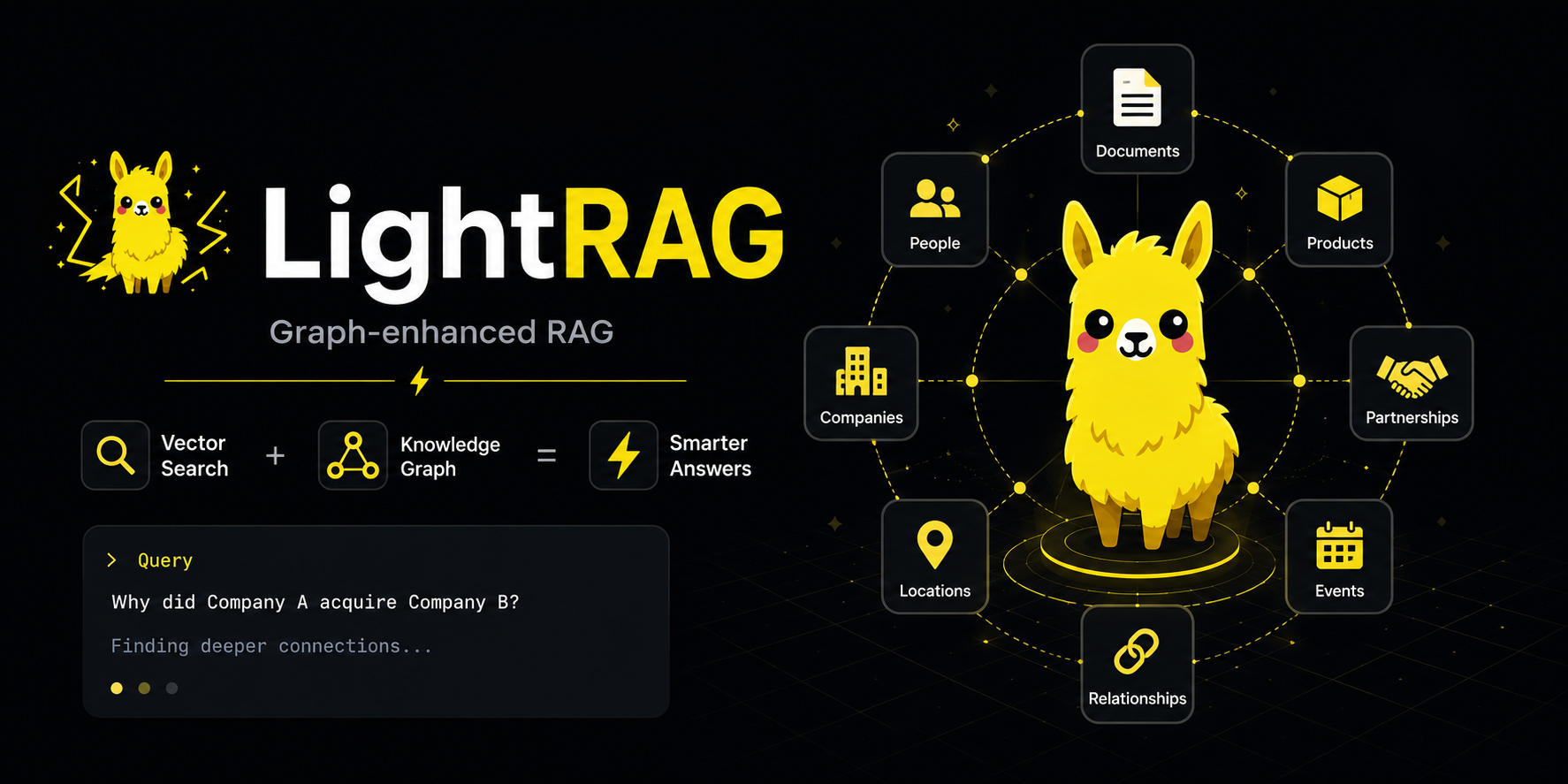
LightRAG Deep Dive: RAG With a Memory of Relationships
Learn how LightRAG adds graph-based relationships to retrieval and makes RAG systems better at connected knowledge.
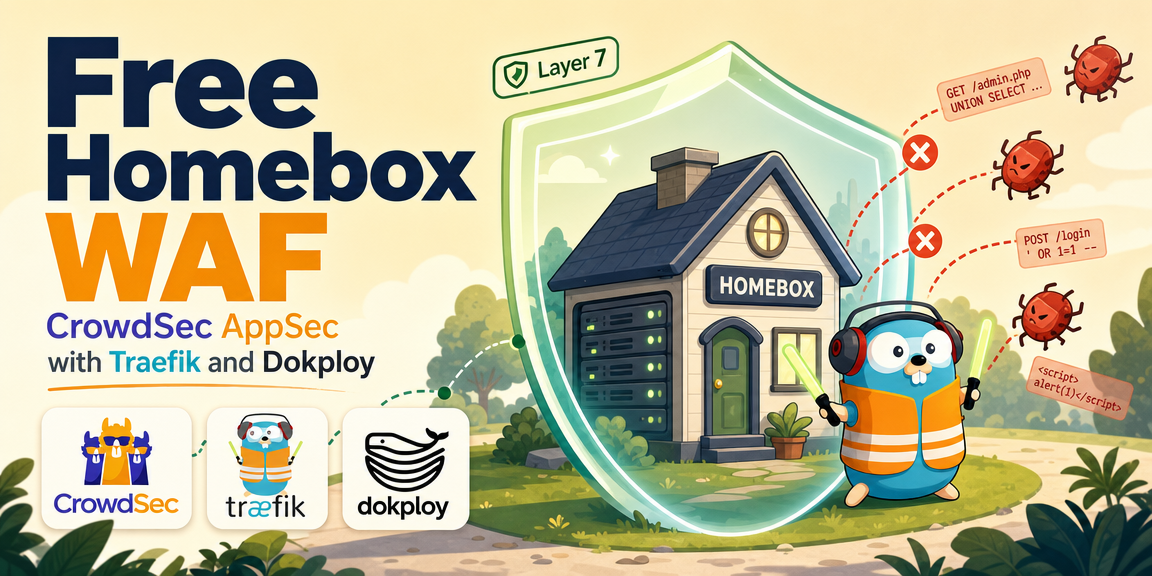
Adding a Free WAF to My Homebox: CrowdSec AppSec Tutorial ft. Traefik and Dokploy
A complete guide on how I protect my Homebox applications with CrowdSec's AppSec WAF, a Traefik plugin, and Dokploy.