
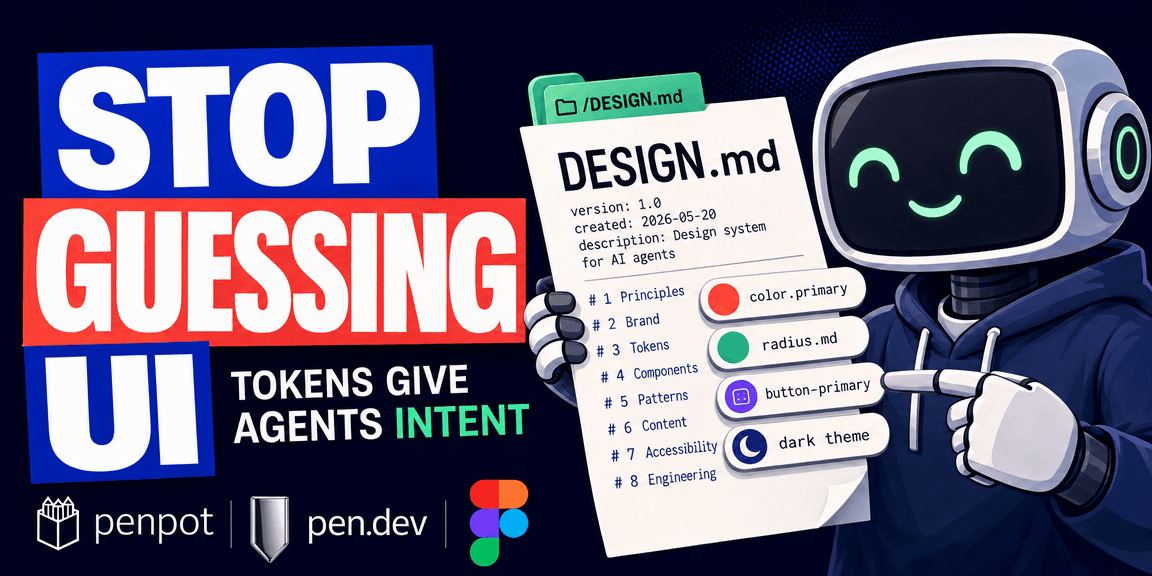
AI coding agents write working code, but the UI they produce looks generic. Every generated app looks like it was built with the same default components, because it was. The agent has no anchor for your brand. Ask it to "create a secondary button" and it invents a color. Ask it to "make the app dark mode" and it inspects every component, guessing which colors to replace.
The other half of the problem is fidelity. You design something in a design tool, hand it off, and the code that comes back does not match. The spacing is off, the colors are close but not right, the typography scale is gone. The design had structure, but the handoff lost it.
These are the problems a whole set of tools and formats are trying to solve right now. The common thread is design tokens, and the format that carries them to AI agents is called DESIGN.md. This post is what I learned trying to understand how the pieces fit together.
Tokens Carry Meaning, Not Just Values
A design token is a named value. Instead of storing #2563EB on a button, you store color.primary. Instead of 8px on a corner, you store radius.md.
The difference is intent. When someone, or something, looks at a raw value, all they see is the value. A blue rectangle with 8px corners. They have to guess: is this the primary button? Is that blue used elsewhere? Is 8px a deliberate decision or a number someone typed?
With a token, the intent is legible. color.primary says what the color is for. radius.md says this is part of a scale, not an arbitrary number. A developer reading this does not have to guess. An AI agent reading this does not have to guess.
The same token, color.primary, becomes --color-primary in CSS, Color.primary on iOS, theme.colors.primary in Tailwind. One decision, expressed in each platform's language. That is what people mean when they call design tokens a single source of truth.
A design system is the whole structure. Tokens are the variables inside it. The relationship looks like this:
Design System
│
├── Foundations
│   │
│   ├── Tokens
│   │   ├── Colors
│   │   ├── Typography
│   │   └── Spacing
│   │
│   └── Themes
│       ├── Light
│       └── Dark
│
├── Components
│   ├── Button
│   ├── Card
│   └── Input
│
└── Documentation
    ├── Usage rules
    └── Examples
It is worth noting that light and dark are not the design system itself. They are themes inside it. Tokens are the variables that let themes swap. Components consume the tokens. The design system is the whole thing.
A Token Is Not for Drawing
This is where I had it backwards. I thought tokens were about making the design tool draw things the right way. They are not. Tokens are about describing the decisions behind what gets drawn.
A button in a design tool is still a rectangle and text. With tokens, the rectangle does not store #2563EB. It stores a reference: fill → color.primary. The geometry is the same. What changed is that the design file now carries the reason, not just the result.
A component does not bind to a raw value. It binds to a semantic token, which points to a primitive. Change the primitive, and everything downstream follows. That is the whole point of the hierarchy. One change at the top propagates everywhere.
That matters when the design moves to code. Without tokens, the code generator reverse-engineers pixels. It sees a blue rectangle and writes background: #2563EB. With tokens, it reads color.primary and writes background: var(--color-primary). The generated code looks like something a developer would write, not a pixel dump.
Tokens Are Not Enough
A JSON file full of tokens tells you the values. It does not tell you why those values exist, when to use them, or when not to. You cannot express "use primary only for the main CTA" in a tokens.json file.
This is the gap DESIGN.md fills. It came out of Google Stitch, Google's AI design tool, and was open-sourced in April 2026 under Apache 2.0. The pitch is one file, at the root of your project, that gives an AI agent a persistent understanding of your design system.
A DESIGN.md file has two layers. The top is YAML front matter: your tokens, written as structured values. Colors, typography, spacing, rounded corners, components. Below that is markdown prose that explains what the tokens are for and how to apply them.
The tokens give an agent exact values. The prose tells it why those values exist.
A button component in DESIGN.md looks like this:
components:
  button-primary:
    backgroundColor: "{colors.tertiary}"
    textColor: "{colors.on-tertiary}"
    rounded: "{rounded.sm}"
    padding: 12px
The {colors.tertiary} reference syntax comes from the W3C Design Tokens Format Module. Change colors.tertiary once, and the button updates wherever it is referenced. The same standard that design tools like Penpot use natively.
Eight Sections
A DESIGN.md has eight sections, in a fixed order:
- Overview
- Colors
- Typography
- Layout
- Elevation & Depth
- Shapes
- Components
- Do's and Don'ts
The Do's and Don'ts section is where the prose earns its keep. "Never use drop shadows on cards." "Always use sentence case for button labels." These are constraints that pure tokens cannot express. A JSON token file says what the values are. DESIGN.md says what to do with them, and what to avoid.
Why It Caught On
It sits in your repo root alongside README.md and CLAUDE.md / AGENTS.md. Agents already read markdown from the project root. README.md explains the project to humans. CLAUDE.md and AGENTS.md tell agents how to behave. DESIGN.md tells them what the UI should look like.
The awesome-design-md repo on GitHub, a collection of ready-made DESIGN.md files extracted from real production sites, passed 58,000 stars within weeks of launch. A 12.6% fork rate, which means roughly 1 in 8 people who found it copied a file into their own project. That is not bookmarking. That is adoption.
You do not have to write one from scratch. There are catalogs. getdesign.md has 300+ DESIGN.md analyses from real production sites. Open Design ships 151 design-system packages. designmd.app indexes 461. You pick one close to your brand and adapt it.
The spec is still alpha. Color values are sRGB only. Wide-gamut formats like Oklch and Display P3, both supported by the W3C standard, are not in DESIGN.md yet. The CLI can export to Tailwind v3/v4 and the W3C DTCG format, so the tokens flow into your existing pipeline.
Where Design Tools Fit
DESIGN.md is the source of truth. Design tools are where you apply the tokens to make screens. Penpot and Figma are two examples, and there are others. They take different approaches to the same concept.
Penpot is the first design tool to natively integrate the W3C Design Tokens Format Module. The same standard that DESIGN.md's token references are inspired by. In Penpot, tokens live in sets, which are collections of related tokens. Your foundations go in one set: base colors, spacing values, radii. Your semantic tokens go in another: primary, success, error. You combine sets into themes for different contexts. Light is a theme. Dark is a theme. Light and dark are not different design systems, they are different themes applied to the same token names.
Because Penpot speaks the W3C format natively, your tokens export in the standard format. No translation layer.
Figma takes a different approach. Figma Variables are Figma's native implementation of the token concept. Figma uses collections where Penpot uses sets, and modes where Penpot uses themes. A Figma collection holds related variables, and modes store parallel values for different contexts. Aliasing builds the primitive → semantic → component hierarchy: a semantic token like text-primary points to a primitive like gray-900, and changing the primitive updates everything downstream.
The difference is that Figma's variables use a proprietary format. Getting tokens out of Figma in the W3C standard format requires plugins like Tokens Studio. Penpot exports W3C natively. Both implement the same concept. One speaks the standard, one speaks its own dialect.
The point is not which tool you use. The point is that the tokens, however the tool stores them, should trace back to the same source of truth: your design system, encoded in DESIGN.md.
Design to Code
This is where the pieces connect.
The old handoff was: design in a tool, export a file, hand it to a developer, hope they read the spec right. The developer reverse-engineers the design from pixels and guesses at intent.
The new handoff is: encode your design system in DESIGN.md. Design in a tool using the tokens. Your AI agent reads the DESIGN.md and generates production code that uses the same token names.
Design system → DESIGN.md → AI agent → production codeThe agent gets the exact values from the YAML tokens. It gets the rules from the prose. It does not have to guess whether a blue rectangle is the primary button, because the DESIGN.md says button-primary uses colors.tertiary. The generated code uses var(--color-tertiary), not a hardcoded hex value.
In practice, the flow runs both directions. A new project starts with the tokens. You define your tokens, write the DESIGN.md, and let your AI agent read the DESIGN.md from the repo. The agent then uploads the tokens to the design tool through its CLI or MCP. Penpot imports the W3C format natively. Figma needs a plugin like Tokens Studio. The design tool and the agent read the same source.
An existing project goes the other direction. You break the current design down into tokens, standardize the naming, and write a DESIGN.md from them. Then you upload those tokens to the design tool. If the project has no design at all, just code, the AI agent can read the current codebase, extract the frontend, and move the design into the design tool. From there, the design tool and the codebase share the same source.
The connection between the design tool and the agent runs through MCP, or the tool's CLI if it has one. pen.dev starts a local MCP server that both sides connect through.
pencil.dev (now pen.dev)
pen.dev takes this further by collapsing the design tool and the code editor into one environment. It is a design canvas that lives inside your IDE, not a separate application. Design files (.pen) sit in your repo alongside your code. Git tracks them. You branch and merge designs the same way you branch and merge code.
When pen.dev is running, it starts a local MCP server. Your AI agent, whether Claude Code, Cursor, Codex, or OpenCode, connects through MCP and can read and modify the design files. Variables in pen.dev map to CSS custom properties. You design visually, the agent generates code, and both sides read the same tokens.
The community has built tools around this. There is a Claude Code plugin called pencil-atelier that extracts a .pen file's visual language and writes it to a design.md at the project root. From that point on, every design and code generation pass reads the same contract. No manual re-briefing between sessions.
What Is Not Solved Yet
Atlassian tested DESIGN.md in production and found it loads everything at once, not on demand. Compared to an MCP server that fetches context per component, DESIGN.md used about 92% more tokens and had 2.7x the variance between runs. It is a portable snapshot, not a replacement for a full design system pipeline. The spec is alpha. The tools are still rough.
What is working is the shape. You encode your design decisions once, in a format both humans and agents can read. You design in a tool that uses the same tokens. Your agent reads the same file and generates code with the same names. The part being replaced is the translation layer, the one that used to be a person with a Figma file and a guess.
Read more
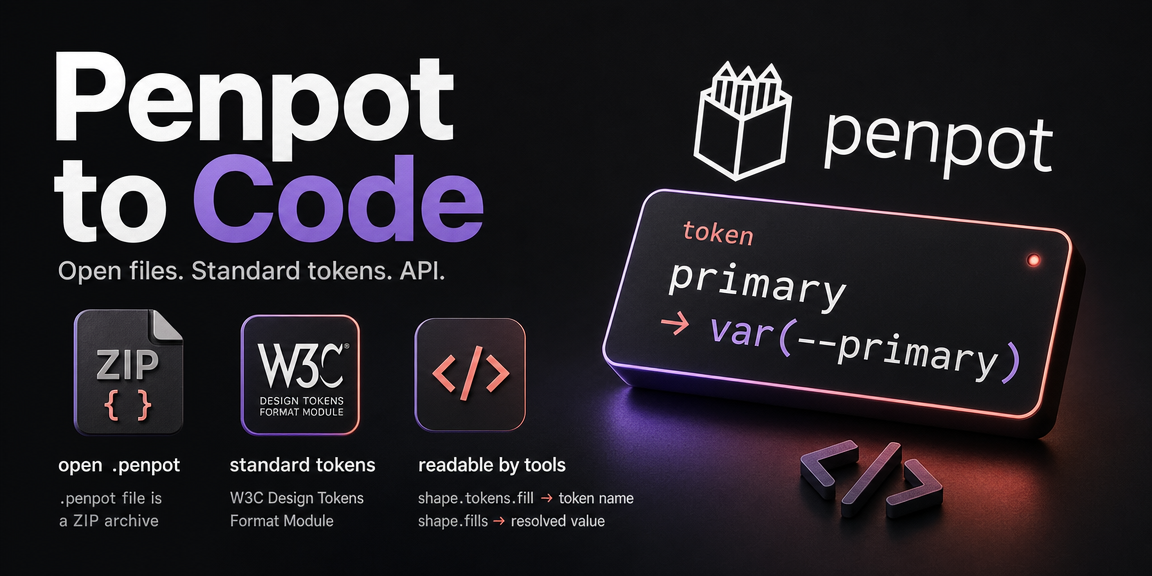
Penpot and Design to Code
An intro to Penpot as a design tool, and how its open file format, token model, and plugin API make design-to-code a first-class workflow instead of a handoff.
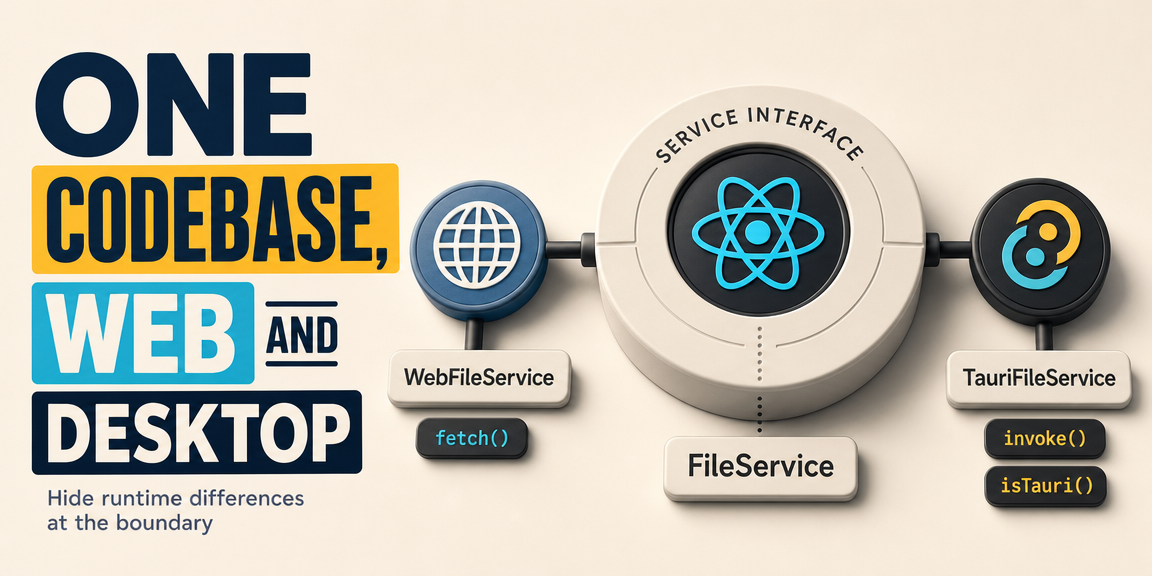
One Codebase, Web and Desktop
How to design a Tauri app so the same React code runs in the browser and on the desktop, by putting the runtime differences behind a service interface.
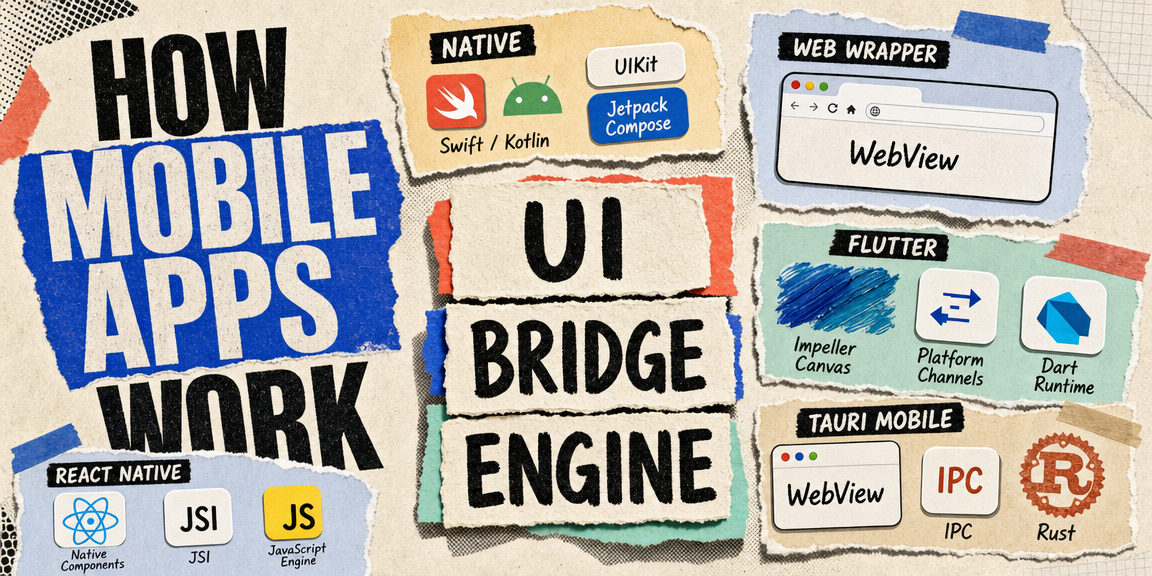
How Mobile Apps Work
The three ways to build a mobile app, what each one actually runs under the hood, and the shared architecture pattern behind React Native, Flutter, and Tauri mobile.